


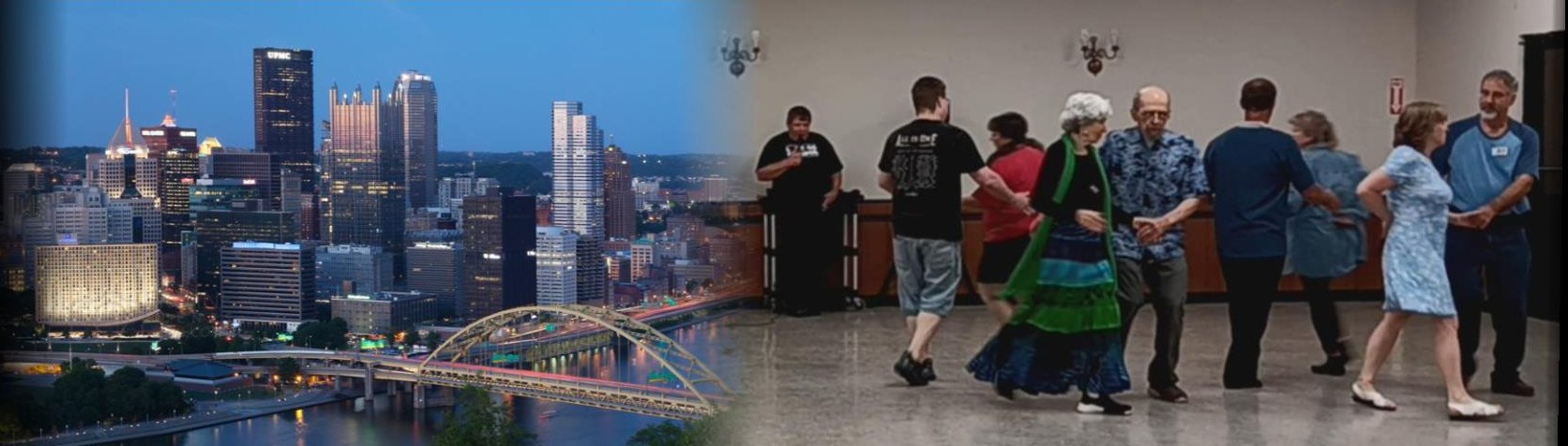
Let's Dance!
Events for Friday May 8, 2026
Happy Go Lucky - Mother's Day


May 8, 2026
7:00 pm to 9:30 pm
West Mifflin Firehall #3
3722 Rodeo Drive West Mifflin, PA 15122
What3Words ///water.spins.glory
Google Map
Tip: Navigate to the dance using the QR Code, or see the bottom of this page for map link help.
We dance the 2nd & 4th Fridays of the month using calls from the CALLERLAB Mainstream and Plus program depending on the dancers present. We start at 7:00 and dance to 9:30 pm, with Round and Line dancing between the square tips.
Caller & Cuer: Howard Williamson
Contact: Ken Rose 909-262-3200
Visit our website: happygoluckysquares.com
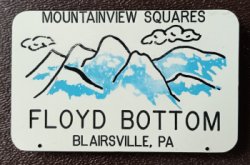
Mountainview Squares


May 8, 2026
7:00 pm to 9:30 pm
United Presbyterian Church
137 N. Walnut, Blairsville, PA
What3Words ///lows.issue.shin
Google Map
Tip: Navigate to the dance using the QR Code, or see the bottom of this page for map link help.
Every Friday, 7:00-9:30
Please call first to verify we are dancing.
Squares: SSD, Mainstream, Plus
Square Wear or Casual Dress
Caller: Blaine Knupp, (724) 464-4324
Contact: Floyd and Jan Bottom (pres.), (724) 459-7434
Key: Some examples * find more detail in the event info
- Square Dancing: The square on left indicates the minimum and the square on the right indicates the max program of tips to expect.
 Green means no experience necessary and Blue means SSD
Gold means Mainstream and Purple means Plus
Green means no experience necessary and Blue means SSD
Gold means Mainstream and Purple means Plus
 Red means Advance and White means Challenge
 - Round Dancing:
two blue circles means strictly Phase II & III
 Gold means Phase IV and Purple means Phase V & VI
 - Line Dancing: - no experience necessary /
 - experience asked for
 - Social Dancing:
 - no experience necessary /
  - experience asked for
This means contact the club to verify that the event is still on.
Using map links for navigation? Your experience may vary, but...
- Using the Google map link will load it in your web browser and present you with a "Start" button that doesn't actually work. To get one that works, tap the 3 dots in the upper right corner. In that menu, tap "Open in app." If you already have the app on your phone, it will load and present you with a "start" button that actually works.
- Using the What3Words link, their map will load in your browser. Tap the "Navigate" button and choose the Waze option. The Waze map will load, again, in your browser. Tap the "Open in Waze" button at the bottom to load the map in the app (if Waze is installed on your device).